Personalize your settings.
Compatible packages, your own files and dealer files. ECU software is updated where required, with file integrity, compatibility and authorization checks.
 G Flasher
Manage compatible personalization packages, inspect vehicle diagnostics and compare driving recordings. G Flasher updates ECU software where required; compatibility and VIN authorization determine availability.
1.0 (130) interface · DEMO / simulated data
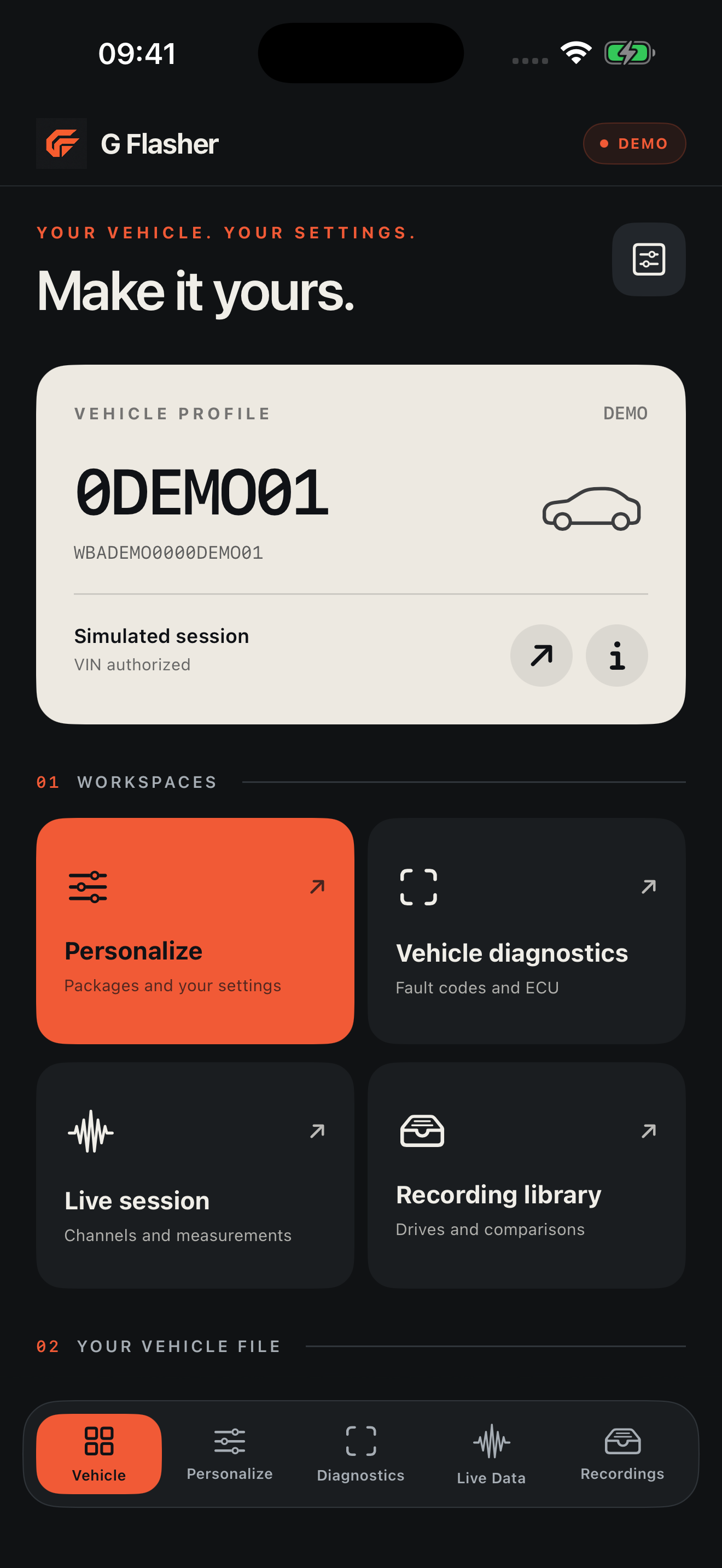
Vehicle profiles, personalization workspaces and live measurements. Screens are captured from the tested 1.0 (130) release; values labeled DEMO are simulated.
1.0 (130) interface · DEMO / simulated data
Compatible packages, your own files and dealer files. ECU software is updated where required, with file integrity, compatibility and authorization checks.
Stock restoration, coding backups and recovery workflows. Full-write scope remains restricted to validated vehicle and software identities.
Monitor supported live channels and record sessions. Use diagnostics and service operations with a clear view of vehicle state.
Supported-vehicle ENET/HSFZ connectivity. Flash support depends on ECU, SWFL/SWFK software identity, file compatibility and VIN authorization. Physical validation is not complete for all vehicles.
Contact support ↗USB-C Ethernet with an OBD ENET cable, or a WiFi-ENET adapter is required. Generic ELM327 Bluetooth adapters are not supported.
Extended measurement channels depend on ECU software version. Unsupported measurements may not be available.
Explore the interface without a vehicle. Perform real service operations while parked and follow the displayed preconditions.
Yes. The release in preparation includes ECU flash, custom files, dealer files and stock restoration. Flashing requires a compatible ECU and file, VIN authorization and the online preparation service.
Calibration use is intended for closed tracks and permitted offroad environments. This does not establish that every modification is lawful everywhere or compatible with every vehicle. Perform vehicle operations while parked.
Vehicle identity and VIN are sent to the API for authorization and flash preparation. Job history, diagnostic logs, uploaded files and backups may be retained by the service. See the privacy page for details.
The new release is in preparation and is not yet published on the App Store. This page does not claim completed physical testing or store approval.
No. ECU software identity and adapter compatibility determine support. Contact us with model, year, engine and ECU software version if known.
The app will be free to download. Personalization packages and some VIN entitlements are paid separately; current scope and prices are displayed on the package page before payment. The App Store release has not yet been published.
Tell us your vehicle model, year and adapter so we can check the details with you.